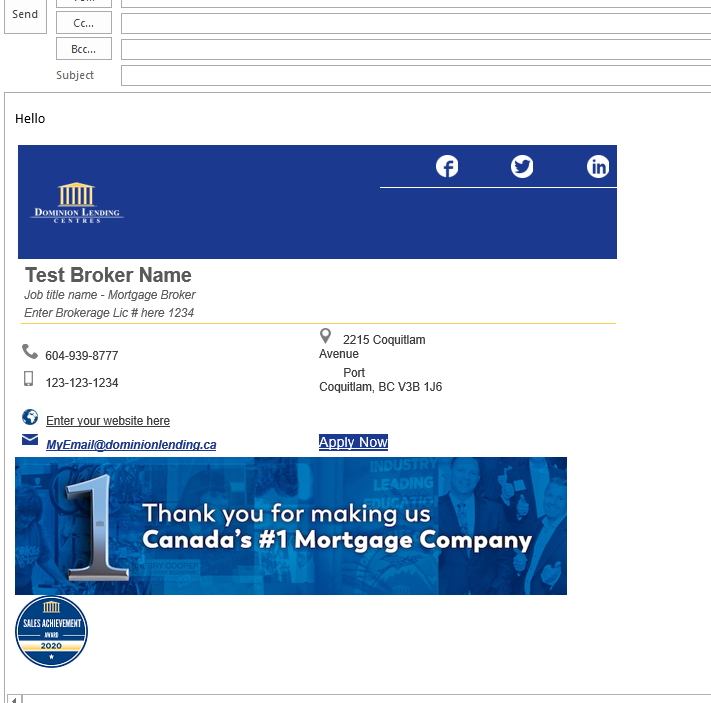
If you already have a custom designed email signature and would like to add the award to it then you must submit a custom design request and include your current signature and the award image.
To download the award image go to your DLC intranet -> My Account Settings and go to your Awards tab
- Click download
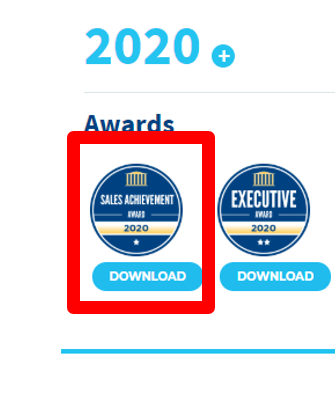
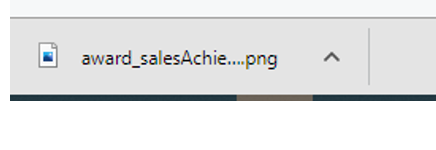
- Open the file and edit its size
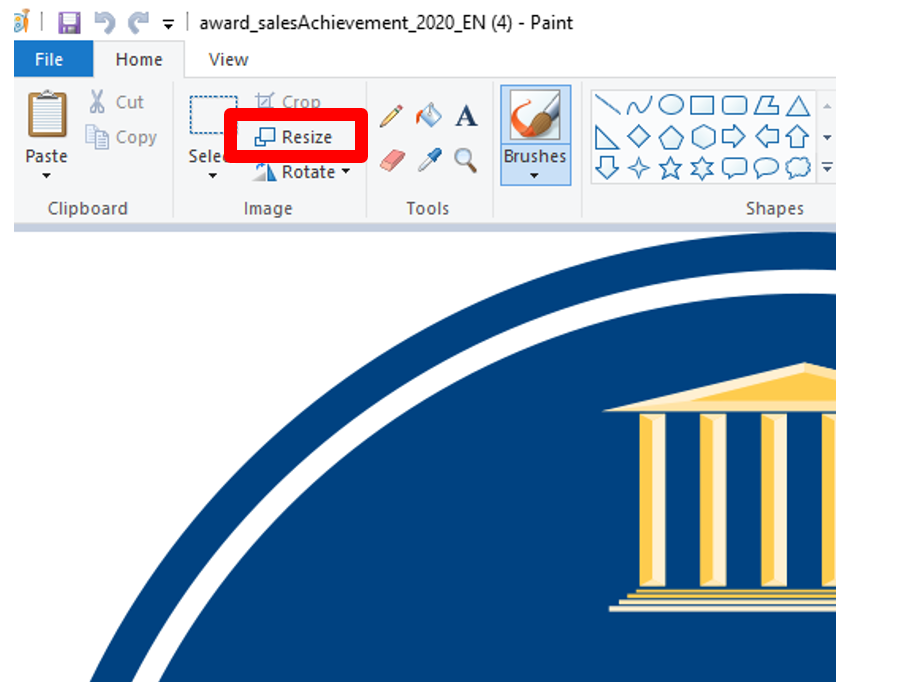
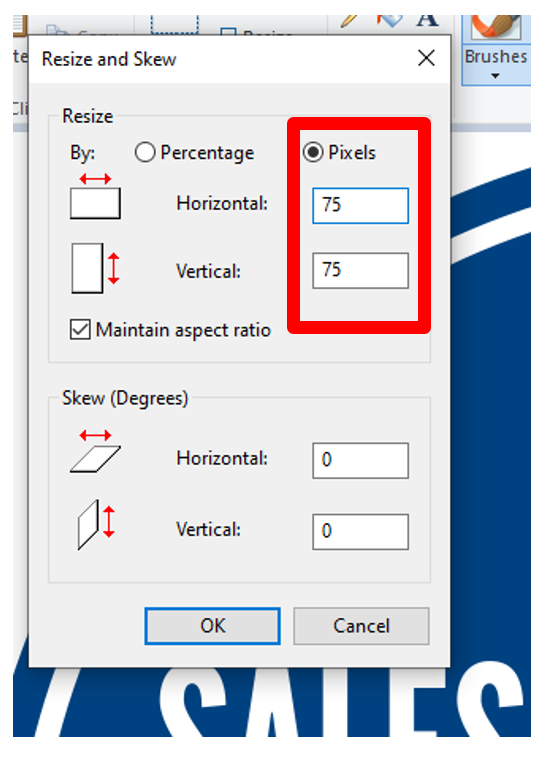
- Click on "Resize":
- Select to resize by Pixels and enter the desire size 75 in horizontal, it will maintain the aspect ratio for the vertical so leave that as is, then click "OK":

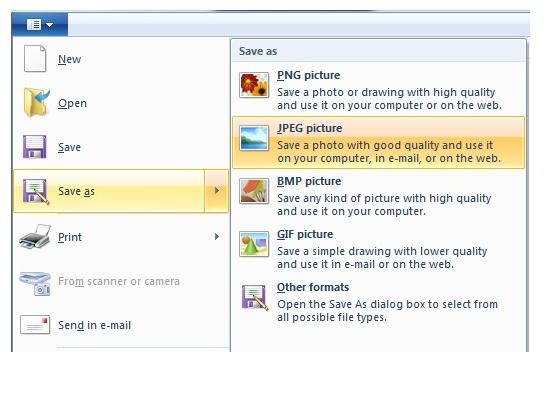
- Click on the top left and select "Save As Jpeg" then save your file:
You should now be able to upload your photo as it has been re-sized and saved as a Jpeg file.
Head over to your email program and open the signature interface
- Outlook
- Rackspace
- Gmail
Add it on your current signature and Click OK